

Published
OtherUpdated 5/29/2026Outlook Configuration
Outlook Configuration first time
H
helloAuthor
Outlook Configuration or How to set up outlook
When we give a laptop to a new jonnie or there is some who's email (outlook) not working for that this steps
Solution
-
Login into Gmail
-
Go settings ( select see all settings)
-
on this select "Forwarding and POP/IMAP"
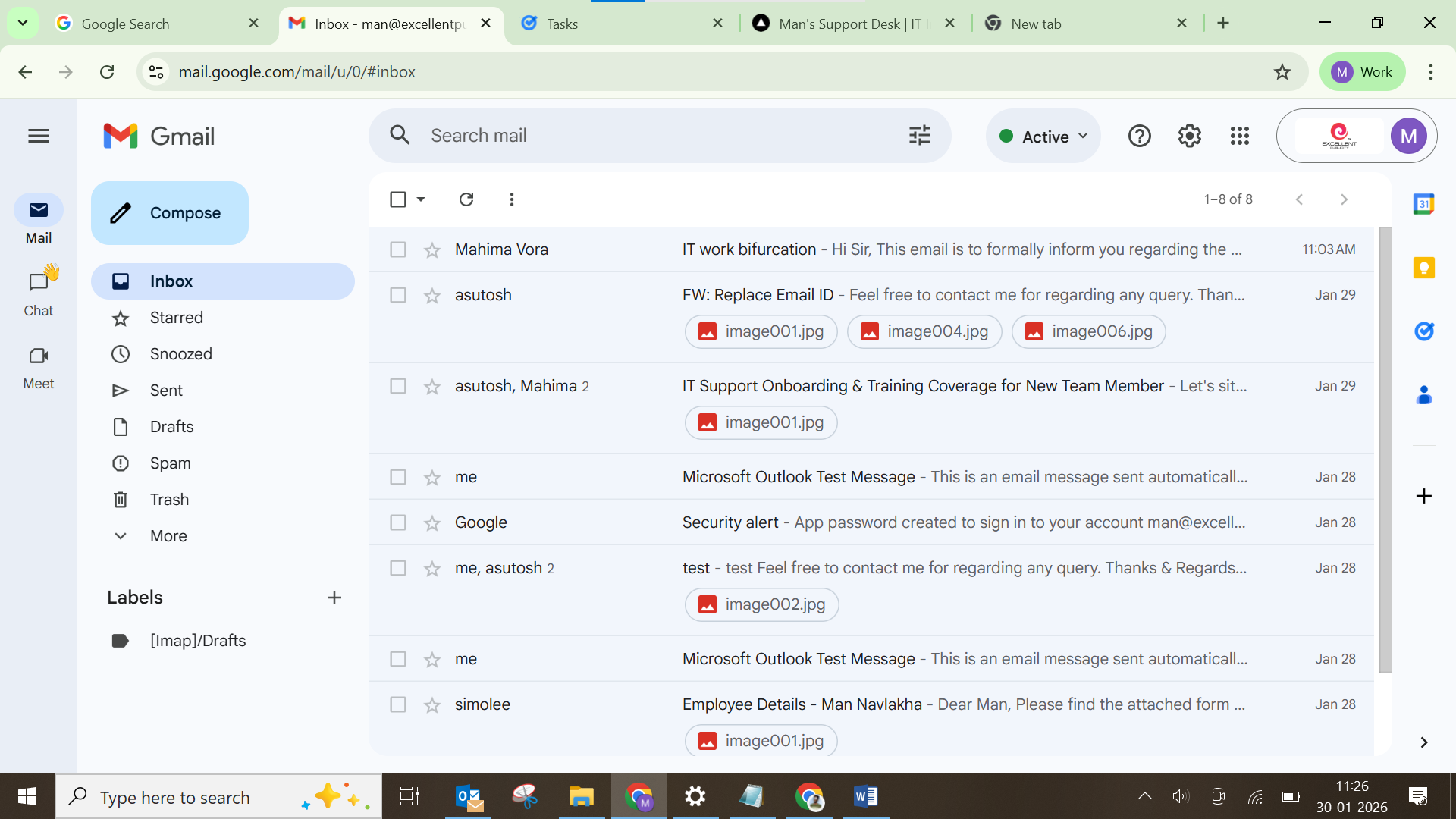
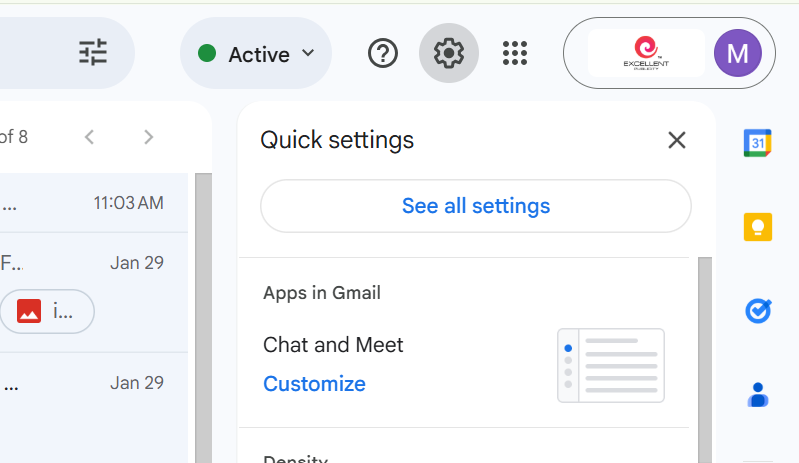
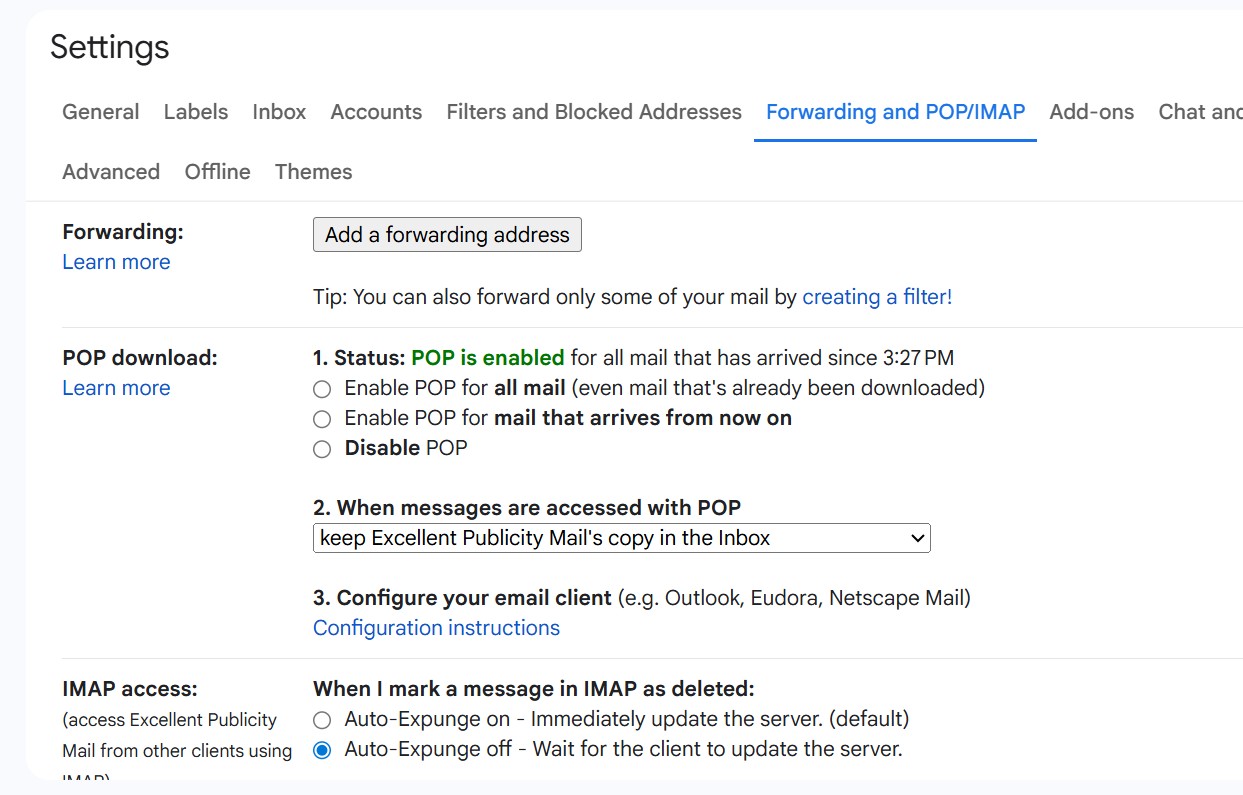
- Then click Save changes
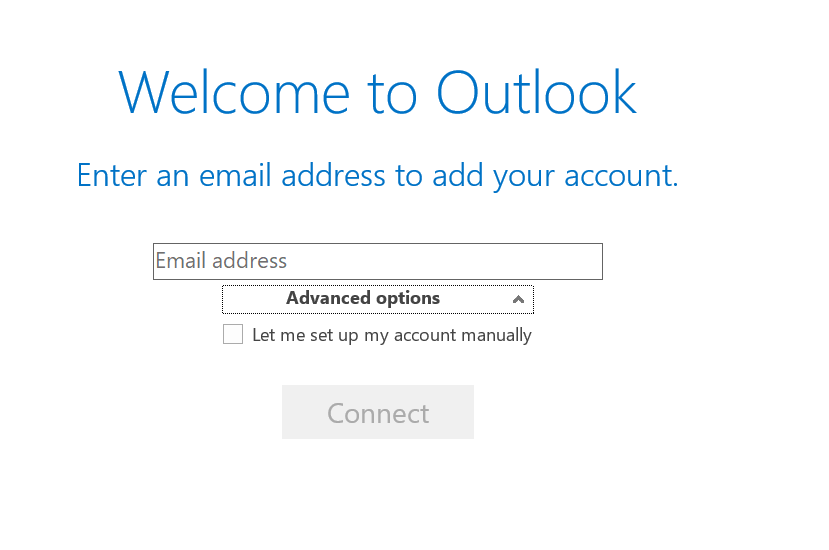
- open outlook 13/19/21 (I have 13) then
-
Enter email & click on advanced option & tick the option then connect
-
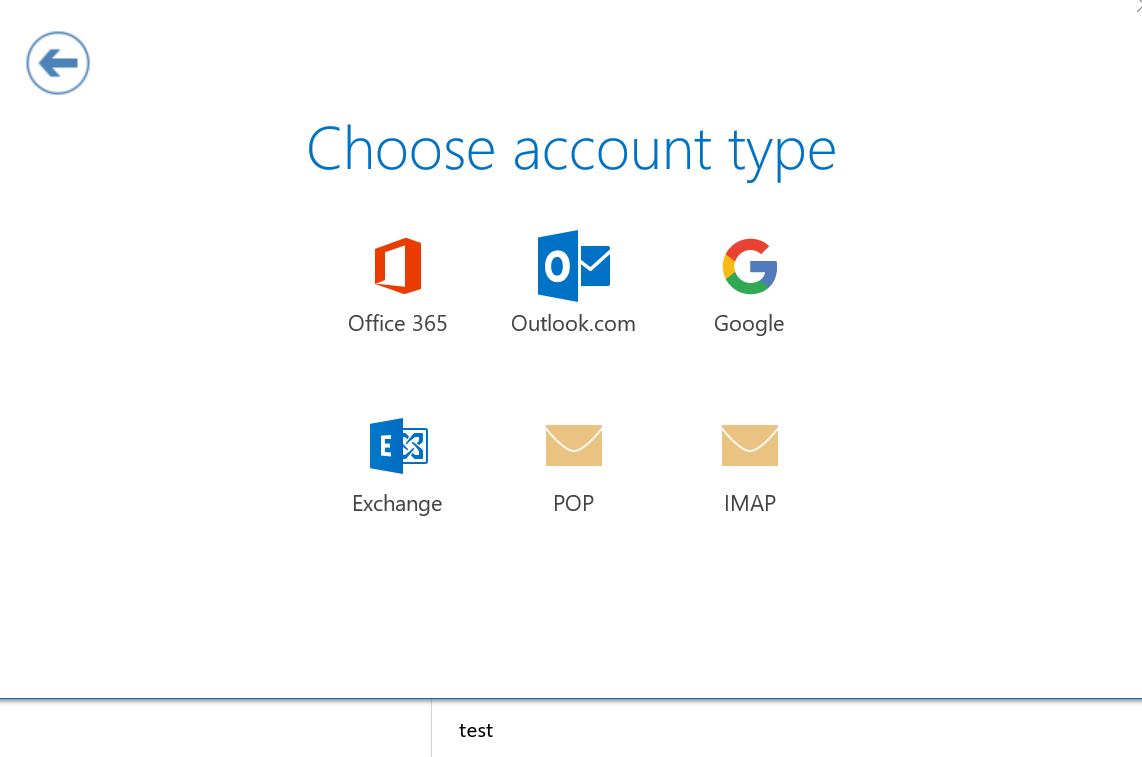
-
Click POP then
-
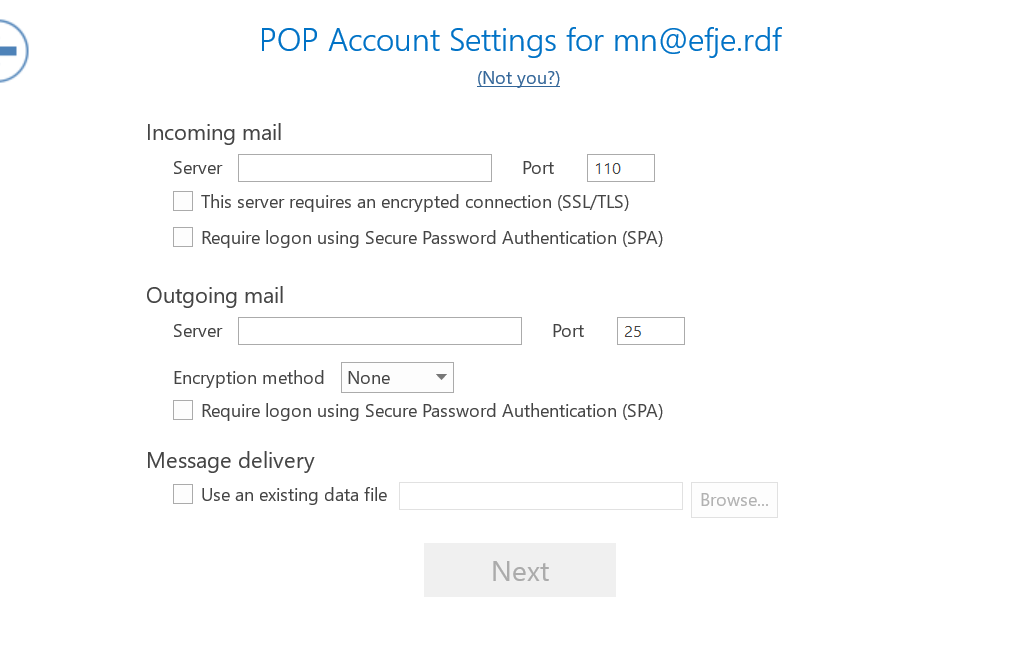
-
Incoming mail (POP)
- Server:
pop.gmail.com - Port:
995 - ✅ This server requires an encrypted connection
(SSL/TLS) - ❌ Require logon using Secure Password Authentication (SPA) →
leave unchecked
- Outgoing mail (SMTP)
- Server:
smtp.gmail.com - Port:
587 - ✅ This server requires an encrypted connection
(SSL/TLS)orauto- Encryption method:
TLS
- Encryption method:
- ❌ Require logon using Secure Password Authentication (SPA) →
leave unchecked
- Authentication (important): Make sure Outgoing server requires authentication is enabled, and use:
- Username: full email address
(e.g. mn@companyname.com) - Password:
- An App Password (
required if 2-Step Verification is ON)
- An App Password (