Published
HardwareUpdated 5/30/2026How to create a Ticket
If your devices is not well then how to create a ticket
H
helloAuthor
Here is the step to create a Ticket:
-
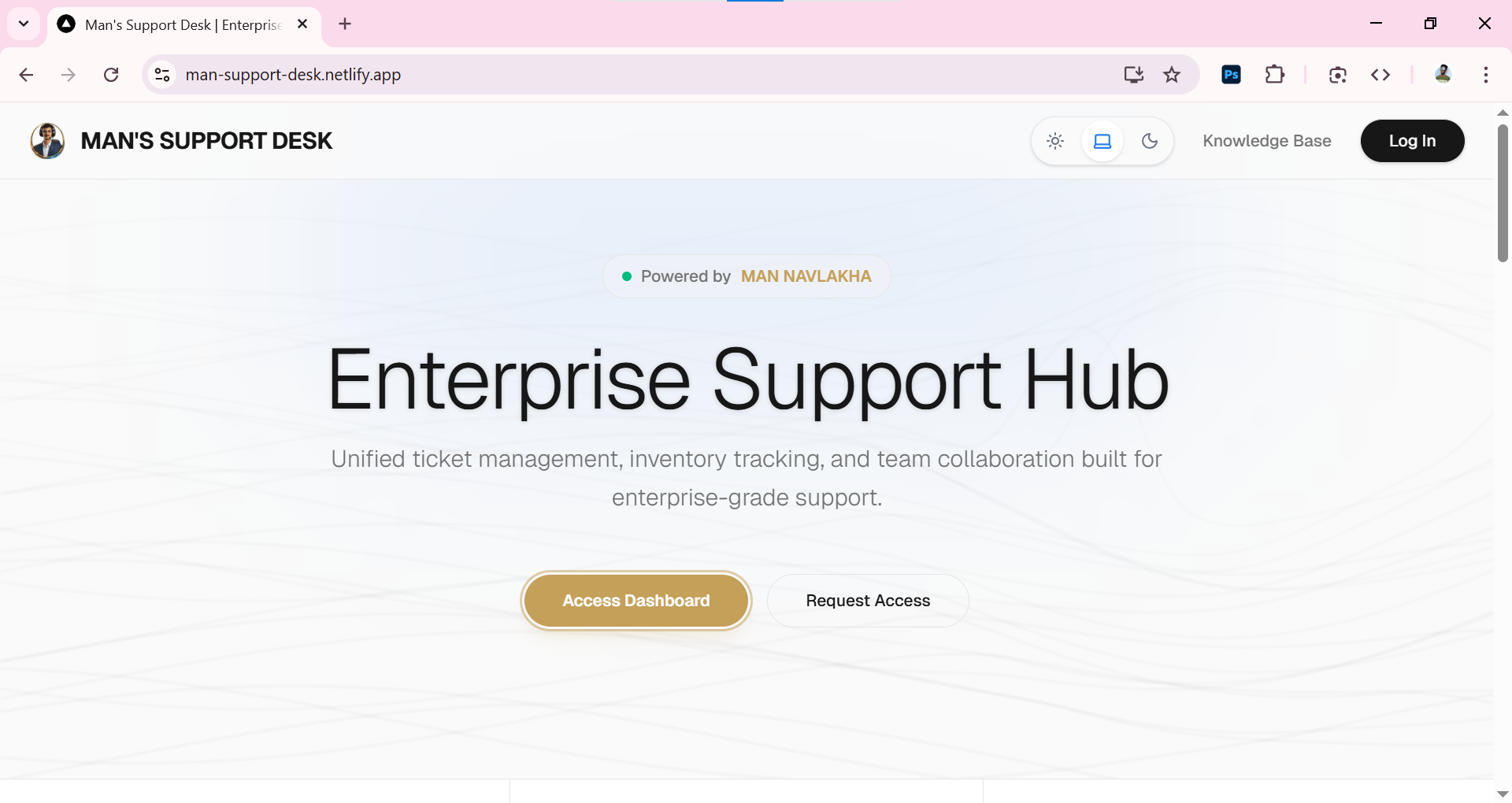
Go to
https://man-support-desk.netlify.app/ -
-
Click on
Logintop-right corner -
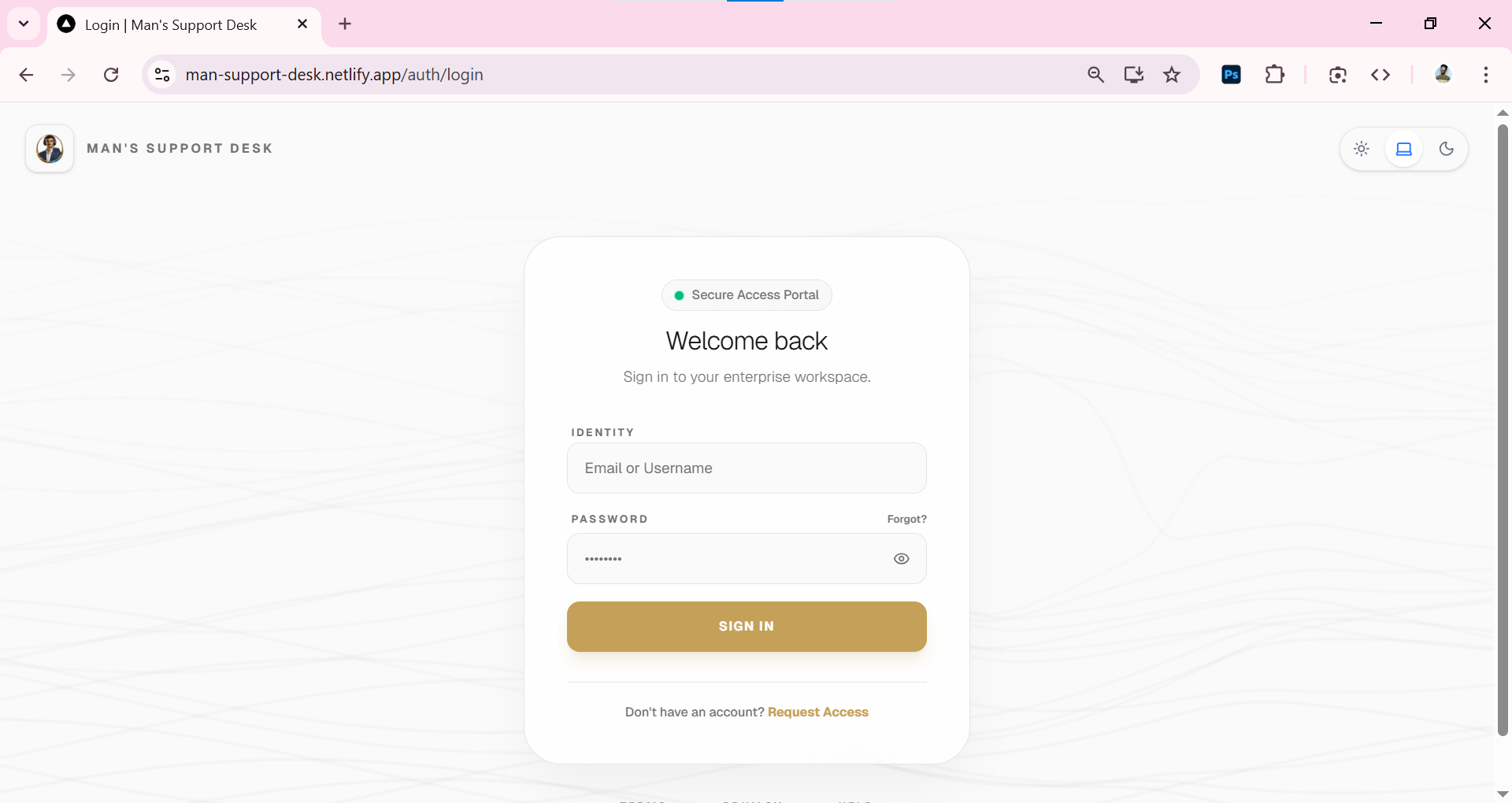
This page appears
-
-
Login with your credentials
-
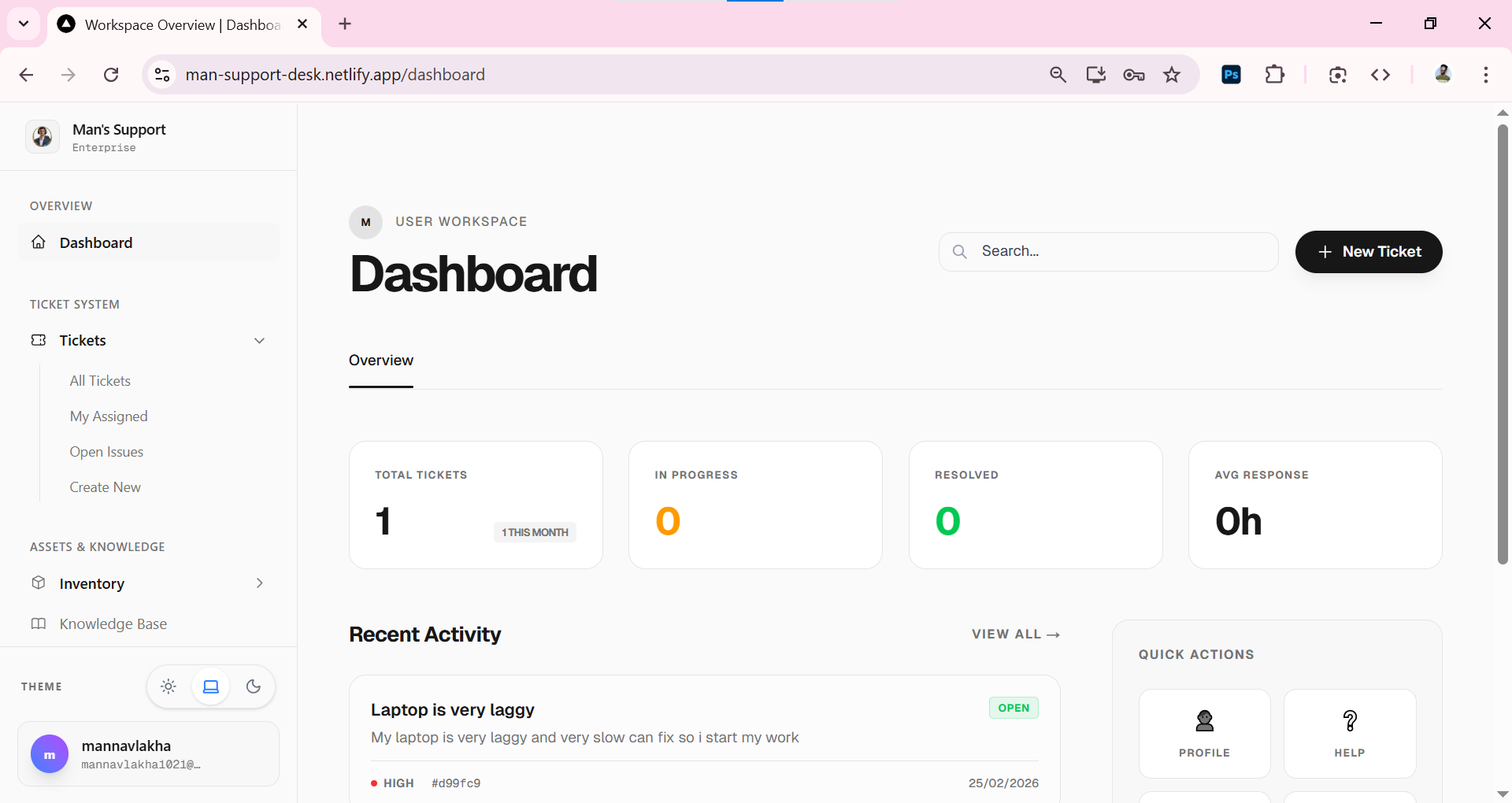
Dashboard open
-
-
Click on
+ New Tickettop-right corner -
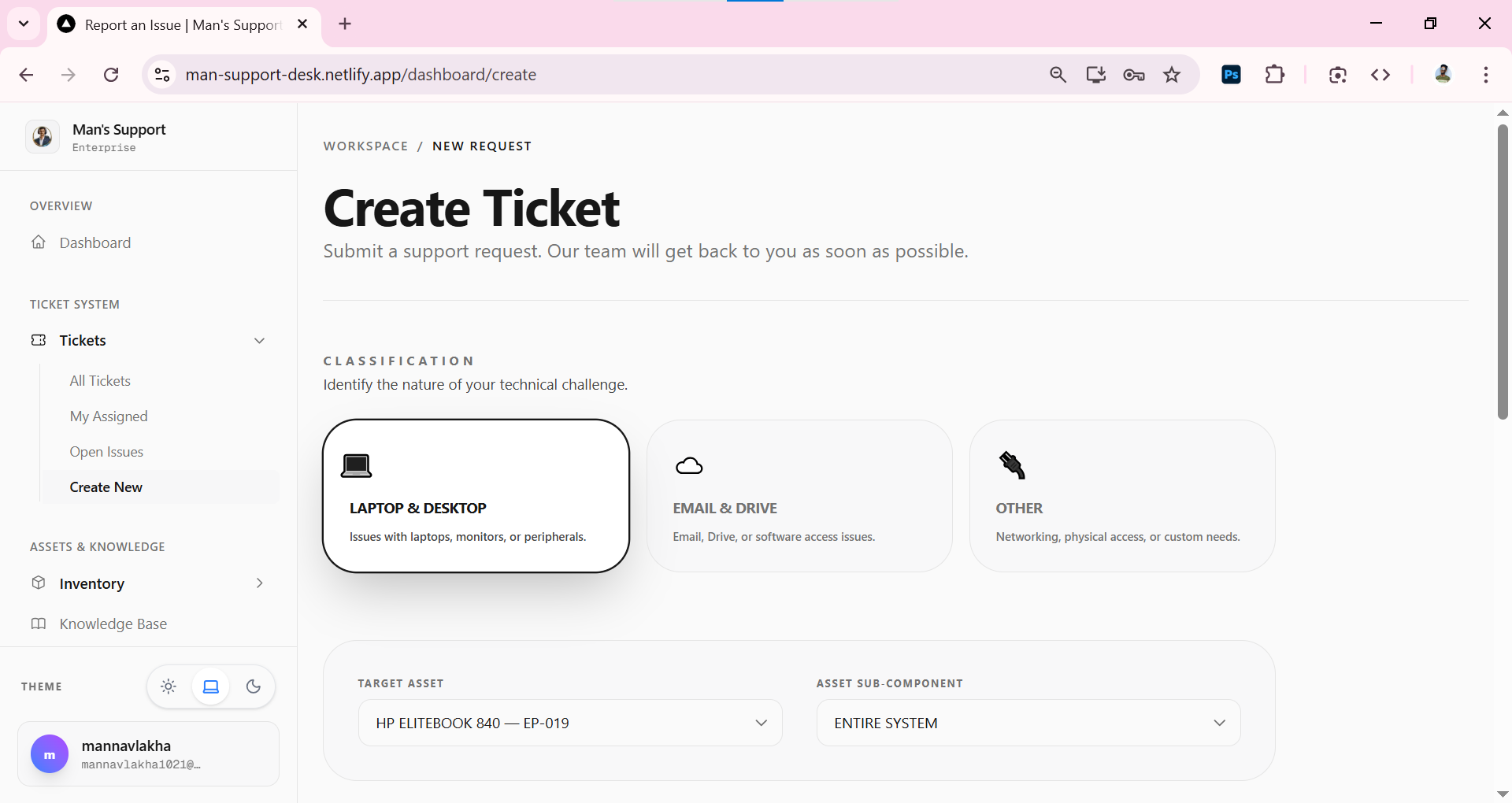
Create Ticket Page open
-
-
in
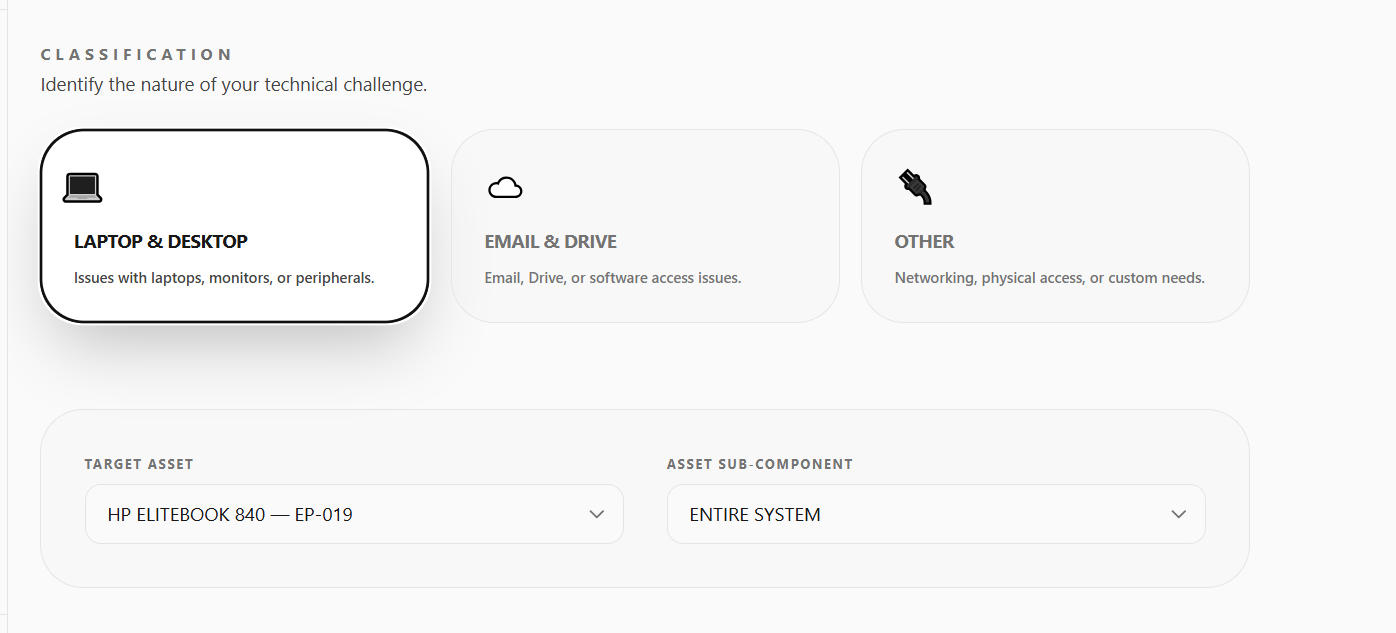
Classificationsection select why you want to raise a ticket like Laptop problem then selectLaptop & Desktopif email problem then selectEmail & Driveif you have other issue or a personal work problem then click onOtheroption -
select your device
-
-
in
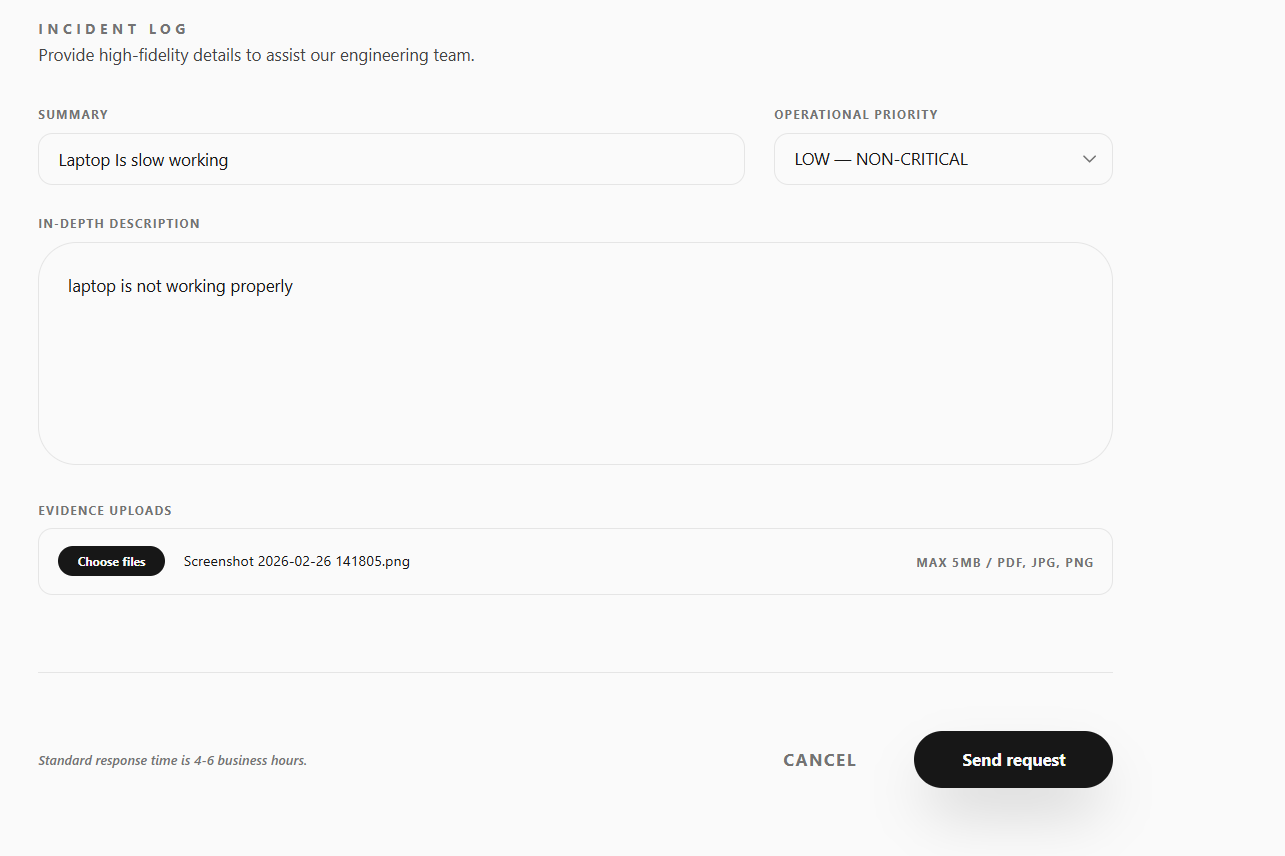
Incident Logexplain your problem there write title, Description, Priority level, Evidence Uploads -
and then click on
Send request. -